What a website chat is (and which one you need)
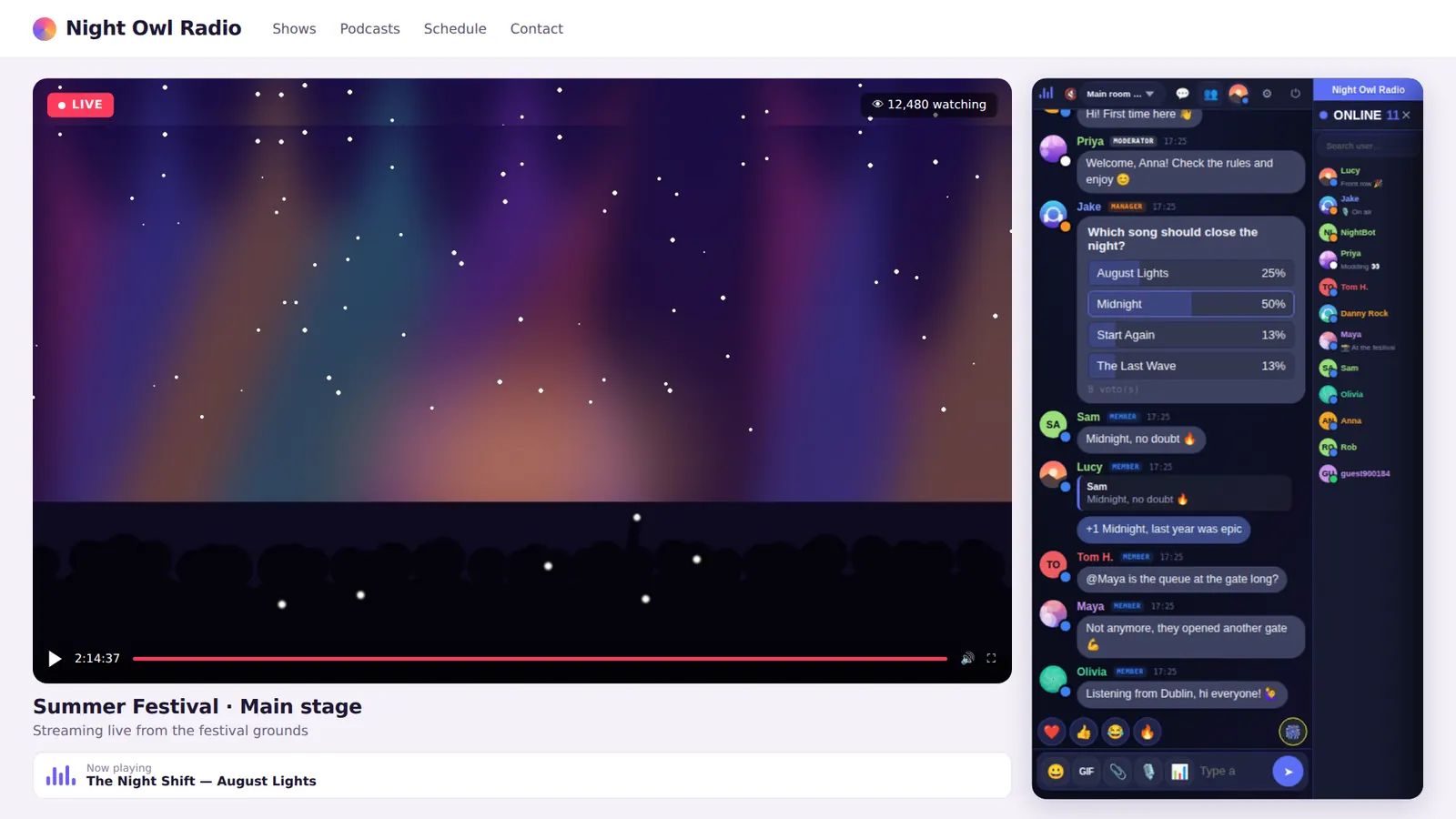
- Community chat or chat room: many people talking at once in the same conversation. It’s what you see on online radio, live streams, forums and fan groups. That’s what Parlo does.
- Customer support chat: a small window in the corner for a customer to talk privately with your business. There are dedicated support tools for that.
If you want your audience to talk to each other and feel part of something, you need a community chat.
Three ways to get a chat on your website
| Option | Pros | Cons |
|---|---|---|
| Build it yourself | Full control | Months of work, real-time servers, security and moderation from scratch |
| Self-host a script | One-off payment | You need a server, updates and to survive traffic spikes yourself |
| A hosted chat like Parlo | Ready in minutes, no servers, moderation and anti-raid included | Monthly or yearly fee once you grow |
How to add a chat with Parlo
- Create your account at parlo.ink. All you need is an email.
- Create your chat: pick a name and an address (
yourchat.parlo.ink), and set up your Owner user. - Copy the code from your customer area. It’s one line:
<iframe src="https://yourchat.parlo.ink/" style="width:100%;height:650px;border:0" allow="clipboard-write"></iframe>
- Paste it on your site where you want the chat. Done.
On WordPress
Add a Custom HTML block and paste the code. Full guide: chat for WordPress.
On Wix, Squarespace, Blogger and others
Use the Embed code or HTML element of your editor and paste the line.
Next to a video or live stream
Put the player in a wide column and the chat in a narrow one. See chat for streaming and chat for online radio.
What a good website chat needs
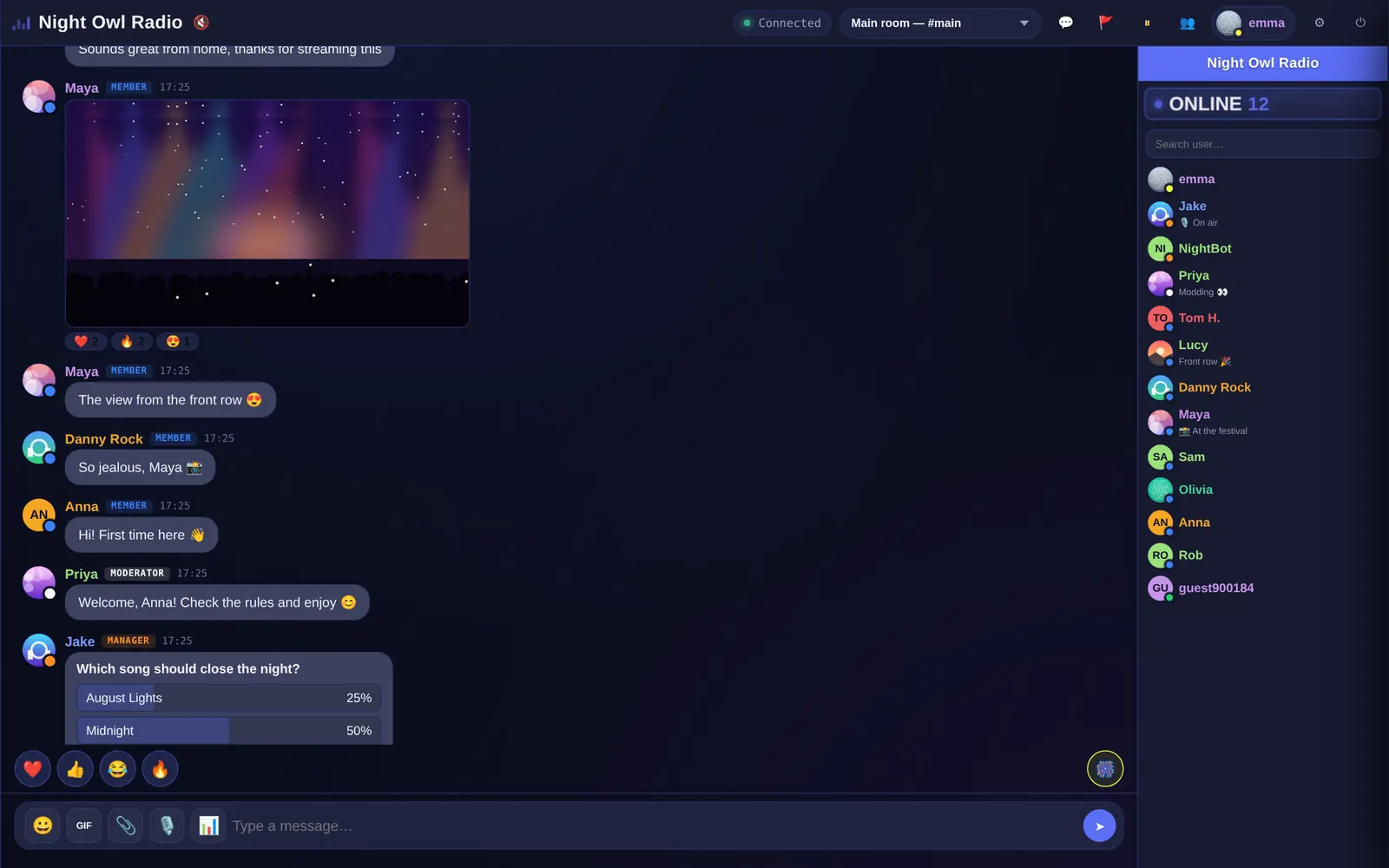
- Works on mobile with nothing to download.
- Serious moderation: team ranks, mute, kick and ban by account, IP and device.
- Automatic protection against flooding and coordinated attacks.
- Handles spikes: hundreds of people can join at once during an event.
- Your brand: name, colors and your own domain.
- Easy sign-up: guests can join and register in seconds.
How much does a website chat cost?
You can have a free chat for your website: the Free plan is free forever for 20 people at once, embeds on your site just like paid plans and shows a small “Powered by Parlo” link. As you grow, plans go from $13.99 (€12.49) a month for 100 people up to Business with 1,500 per chat and no Parlo branding. Yearly billing saves two months. See pricing.
Frequently asked questions
Can I add a chat without coding?
Yes. You copy one line of code and paste it into your site, like embedding a YouTube video.
Will the chat slow down my page?
No. It loads inside an iframe from Parlo’s servers, so it adds no load to your hosting.
Do users have to sign up?
No. They can join as guests with a nickname and sign up with a username and password if they want to keep it.